
Paying with Snap Card just got easier with Google Pay
Enjoy all the benefits of your Snap Card using Google Pay. A safe, contactless way to pay in stores and online with your Android phone.
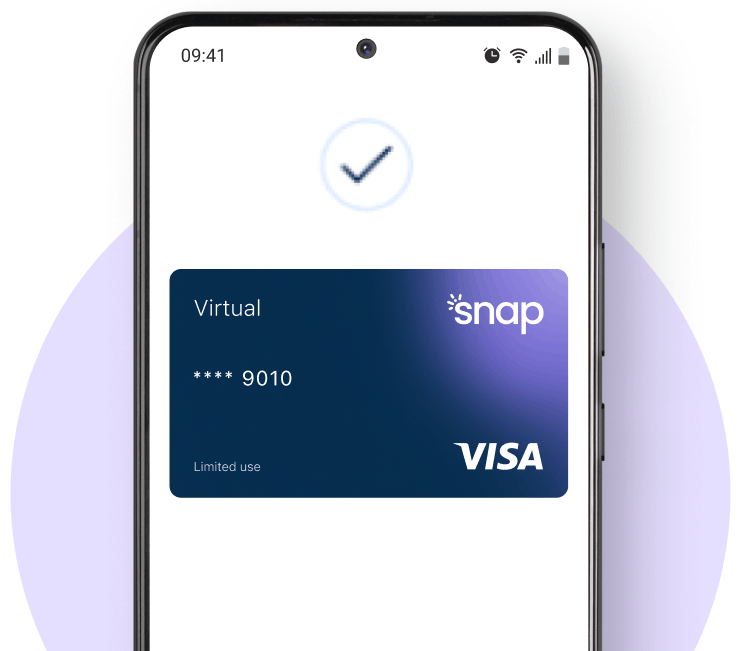
How to use Snap Card on Google Pay
Snap Wallet App
You can add your Snap Card to Google Pay straight from the app—just tap “Add to Google Wallet”.
Android Phone
Adding your Snap Loan Virtual Card to Google Pay is easy—just open the Google Wallet app on your iPhone, tap "Add to Wallet", and follow the instructions on the display.
Why Google Pay?
The safe, more private way to pay.

Fast
Save time, every time. Check out faster with Google Pay.

Secure
Google Pay uses the security features such as Face ID & Touch ID so only you can authorise payments.

Private
Your card number stays private and secure.
Frequently asked questions
How do I add my Snap Loan Virtual Card to Google Wallet?
Open your Snap Wallet app and tap “Add to Google Wallet” from the Home tab, or add it manually through your phone's Google Wallet app by tapping "Add to Wallet" and following the prompts.
Can I add my card to Google Wallet from the Snap Wallet app?
Yes! Simply head to the Home tab in the Snap app and follow the on-screen steps to add your card to Google Wallet.
How can I use my Snap Loan Virtual Card with Google Pay?
Once added, you can use your Snap Loan Virtual Card anywhere Google Pay is accepted—whether you're shopping in-store or online.
My order using Google Pay didn’t go through. What should I do?
Ensure you have an available balance on your Snap Loan Virtual Card and that the retailer accepts Google Pay. If everything looks good but it still fails, contact our support team for help.